Chromebook vs. Laptop vs. Tablet: What Works Best for Homeschooling?
Homeschooling looks different for every family, but one thing many have in common is the use of technology. Chromebooks, laptops, and tablets are often used to support lessons, assignments, and independent learning at home. But when it comes time to choose a device, which one actually makes the most sense for homeschooling?
The answer depends on your child’s age, learning style, and what a typical homeschool day looks like. Below, we’ll look at what each device does well—and where it may fall short—so you can choose an option that truly supports your child’s learning.
Chromebooks for Homeschooling
Best for: Elementary to middle school students, web-based learning platforms, and families who want a simple, budget friendly device.
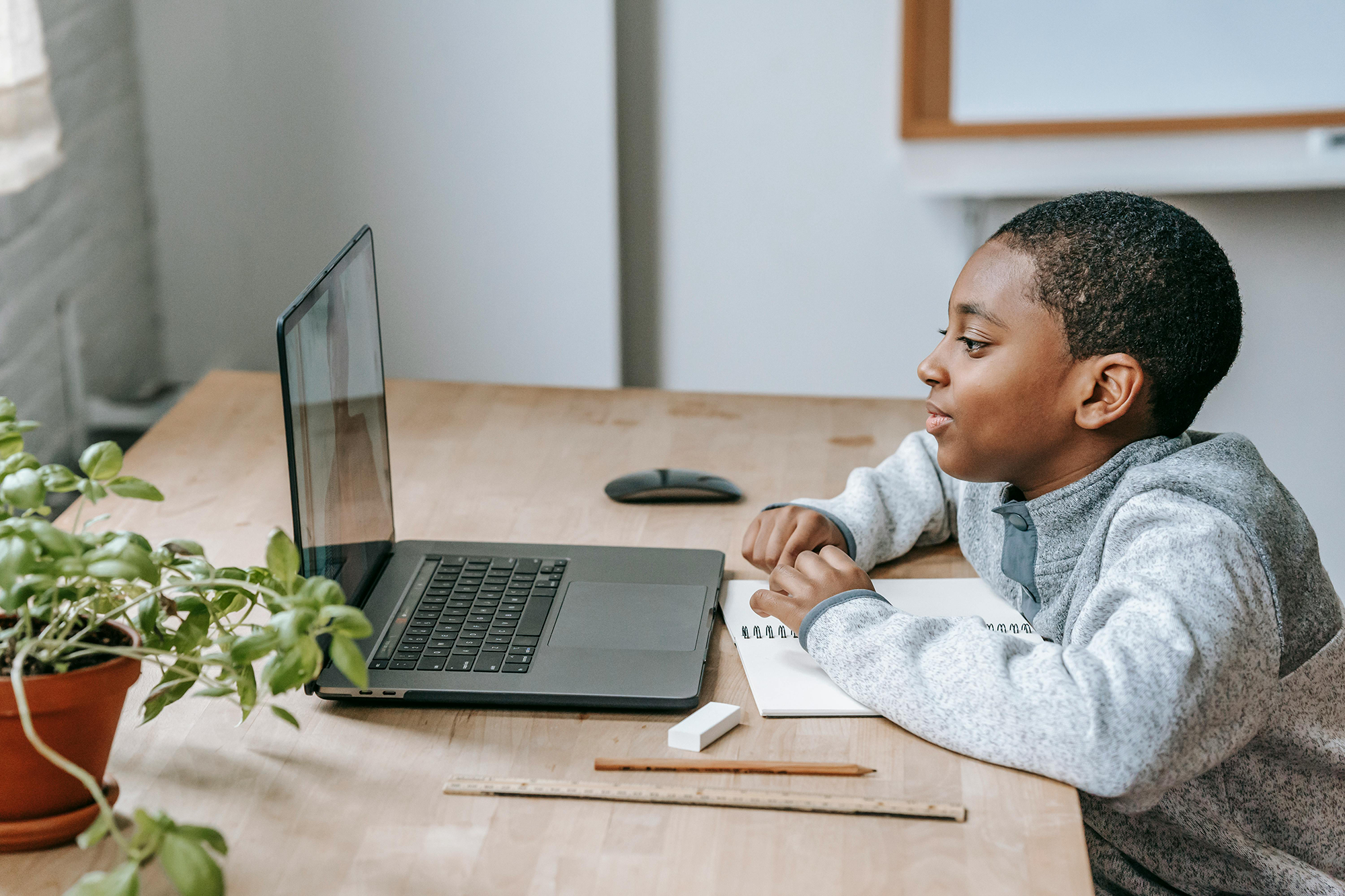
Chromebooks are widely used in schools and homeschool settings because they’re simple, affordable, and built for online learning.
Why Chromebooks work well for homeschooling
•Easy to use: Chromebooks boot up quickly and have a simple interface that kids can navigate on their own.
•Great for online platforms: Google Classroom, Khan Academy, and most homeschooling platforms and apps work perfectly in a browser.
•Long battery life and lightweight: Most Chromebooks last all day on a single charge and are easy for kids to carry around the house or to co-ops.
•Easy parental controls: With Google Family Link, parents can manage screen time, approve apps, and keep learning on track.
•Affordable: Chromebooks usually cost much less than traditional laptops.
•Low maintenance: Automatic updates and built-in security mean fewer tech headaches.
Things to consider
•Limited offline use: Most tools rely on an internet connection.
•Not ideal for advanced software: Chromebooks rely mostly on web apps, so specialized programs may not be available.
•Storage is mostly cloud-based: It may feel limiting for those who prefer local files.
If your homeschool curriculum relies mostly on online lessons, digital worksheets, and typing assignments, a Chromebook can be a great option.
Laptops for Homeschooling
Best for: Middle school and high school students, specialized software, creative projects, advanced subjects, and families planning long term use.
Standard laptops offer more power and flexibility than Chromebooks, making them ideal for families who want a device that can handle a variety of learning tasks.
Why laptops work well for homeschooling
•Full software compatibility: You can install almost any program, from Microsoft Office to creative and STEM tools.
•More power and storage: Great for coding, graphic design, video editing, multitasking, or advanced learning programs.
•Works online and offline: No internet? No problem.
•Grows with your child: A good laptop can last from middle school through high school.
Things to consider
•Higher cost: Laptops are usually more expensive than Chromebooks.
•More maintenance: You may need to handle updates, antivirus software, and occasional troubleshooting.
•Heavier: Not always ideal for younger kids.
Laptops can be especially useful as students move into upper grades and need tools that support more advanced coursework.
Tablets for Homeschooling
Best for: Preschool and early elementary students, visual learners, supplemental learning, reading, and travel friendly homeschooling.
Tablets or iPads can be a valuable homeschooling tool, particularly for younger children who learn best through visual and hands on activities.
Why tablets work well for homeschooling
•Touchscreen learning: Great for reading, drawing, math apps, and interactive lessons.
•Highly portable: Easy to carry around the house or on the go.
•Engaging and fun: Learning feels more hands-on.
Things to consider
•Typing isn’t ideal: Even with a keyboard, it’s not the best for long writing.
•Limited multitasking: Switching between apps can be slower.
•Some platforms aren’t tablet-friendly: This can make certain lessons or activities harder to use on a tablet.
Tablets might not be enough on their own as a primary homeschool device for older kids. Still, for younger learners, they often feel more approachable and kid-friendly than a traditional computer.
So… Which Device Is Best for Your Homeschool?
Each device has its strengths. Chromebooks are simple and affordable, laptops are powerful and versatile, and tablets are interactive and easy to carry. Many parents use more than one device: a Chromebook or laptop for assignments and writing, and a tablet or iPad for reading and interactive apps. A 2-in-1 device can also be a great option if you want one device that works like both a laptop and a tablet.
Don’t Forget About Protection!
No matter which device you choose, protecting it from everyday mishaps can save you time, money, and stress. Homeschool devices get used almost everywhere—they move from room to room, sit on kitchen tables, and travel on the go. Drops, spills, and cracked screens happen, especially with kids, but getting insurance protection can prevent small or big accidents from turning into costly repairs.
Get a FREE device insurance quote today and protect your child’s Chromebook, laptop, iPad, or tablet from unexpected accidents!